Last Updated:
Law firm workflow automation is the use of technology to complete repetitive operational tasks, moving data and executing actions with little or no manual involvement. It runs on a spectrum, from simple rules-based triggers to specialized agents that work a task until it’s finished. For personal injury firms drowning in routine communications, understanding where a tool sits on that spectrum is the difference between marginal help and a real change in capacity.
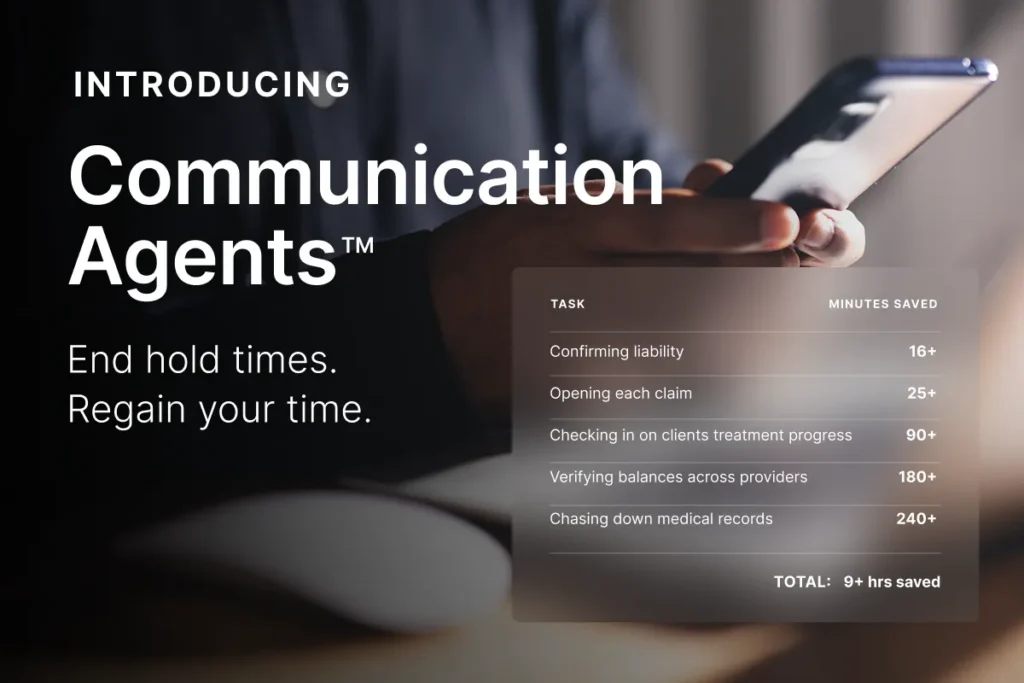
Opening insurance claims, confirming liability, chasing medical records, and checking in on client treatment eat up hours that could go toward case strategy. Automation has always promised to relieve that load, and not every automation tool relieves the same amount.
This guide breaks down what workflow automation actually is, how it’s evolved, why two tools at the same tier can deliver very different results, which personal injury workflows are ready today, and how to roll it out safely.
How many hours does your team lose while on hold with medical providers and insurance carriers? See how EvenUp’s Communication Agents are built to take that outreach off your plate, calling providers and carriers directly so your case managers spend less time waiting and more time moving cases forward.
Watch Now
A law firm workflow is a repeatable sequence of steps that produces a defined result, such as a claim opened, a record retrieved, or a demand sent. Each step has five parts:
Most firms run workflows they’ve never written down. The steps live in a case manager’s head and change when that person leaves. Writing them down comes first, because a system can only run a step someone has defined.
Workflow automation takes over the trigger, the work, or the output of a workflow step so it runs without constant human involvement. For a personal injury firm, that mostly means communications: the hundreds of calls, texts, and data-entry tasks support staff handle every week.
In personal injury, most of the pre-litigation workload is routine communication and data movement. Opening claims, chasing records, confirming coverage, and checking on treatment don’t require legal reasoning, and on a high-volume PI docket they make up most support-staff hours. That’s the work automation absorbs.
Legal automation arrived in stages, and each stage takes on more of the task than the one before.
Each stage moves people further from routine work and closer to judgment work. Rules-based tools automate the trigger. Copilots automate the draft. Agents automate the task. Agentic workflows automate the step, across the whole caseload.
A workflow is fully agentic when no person has to start it, carry it, or record it. Five properties define it:
Fully agentic still leaves defined points for people. The firm approves outbound calls before dispatch, reviews every flagged exception, and owns every judgment call. The supervision section below covers what that means under the ethics rules.
Routine legal communications fail on the first attempt constantly. The adjuster’s line goes to voicemail. The phone tree routes to the wrong department. The provider’s billing office closes at three. A rules-based tool fires once and reports failure. A person tries again tomorrow, if they remember.
An agent built to keep acting works the task until it has what it came for. It works the phone tree, leaves a message, calls back, holds again, and finishes with the claim number logged to the case. Its real value shows on the unsuccessful first calls, which stop landing back on someone’s to-do list.
The instinct is to want one assistant that does everything. In practice, a single general-purpose agent juggling records, treatment, demand readiness, and client communication starts losing instructions, forgetting preferences, and reaching for the wrong tool. The more one agent holds, the less reliably it holds any of it.
Firms already solve this on the human side. You hire a records coordinator and a case manager, because narrow scope produces reliable output. Specialized agents work the same way: each carries a defined job and the context that job needs. The user still sees one assistant, which routes work to the specialists behind it.
The personal injury workflow runs through seven stages, and almost every slow step in it is a wait on someone outside the firm. The table shows each stage in three modes: manual, AI-assisted, and agentic.
| Stage | Manual | AI-assisted | Agentic |
|---|---|---|---|
| Intake | Staff call carriers one at a time to open claims | AI screens new files against firm criteria and flags value drivers | Agents open claims and verify liability and coverage on every file the day it’s signed |
| Treatment | Case managers check in when they have time | AI flags missed appointments on a live timeline | Agents run scheduled check-ins with every client and follow up on record status with every provider |
| Demand | Missing providers turn up mid-draft | A readiness check flags missing records before drafting starts | Readiness checks run on a schedule across every case, and drafting starts from a complete file |
| Negotiation | Staff rebuild the file to answer each adjuster argument | AI answers questions across the file with page citations | Preparation is assembled in advance, and strategy stays with the attorney |
| Litigation | Discovery drafted by hand from templates | AI drafts discovery from the record and flags unsupported responses | Drafts are produced for attorney review, and strategy stays with the attorney |
| Trial | Exhibits and narratives assembled from thousands of pages | AI builds chronologies and surfaces contradictions | Preparation material is produced on request, and the courtroom stays with the trial team |
| Settlement and disbursement | Staff chase final balances from every provider | AI tracks balances against the settlement | Agents verify balances across every provider at once |
The pattern holds across the table. Agentic workflows absorb the stages that are communication-heavy and judgment-light. In negotiation, litigation, and trial, AI prepares the material and people make the calls.
The demand stage shows what the waits cost. Internal figures put the average lapse between a client’s last treatment and the demand at 150 days, with about 45 more days added each time a missing provider turns up mid-draft. A readiness check that runs on every case before drafting catches that provider first.
Get a real-world look at how PI firms are putting AI to work across the full case lifecycle, including intake, medical management, litigation, and settlement strategy.
Watch Now
Two tools can sit at the same level and perform very differently, and the reason usually sits underneath them.
Automation acts on what the system knows. When a case file is a folder of PDFs, a trigger can only fire on what the system can see: a date, a stage change, a document upload. That’s real automation, and it’s shallow, because the system can’t see into the case.
When the same case file is structured, with records, bills, and communications parsed as they arrive and linked to each other, the same trigger becomes far more useful. It can fire on a treatment gap forming, a bill that arrived without a matching record, or a case crossing into demand-ready. Agentic workflows depend on this most, since an agent can only start on an event the system can detect.
That’s the practical meaning of a platform built around AI from the start. Most of the value comes from case data structured well enough for the model to act on. A firm that adds an agent layer to unstructured files often gets less than it expected and blames the agent.
The test for any tool: ask what it can trigger on. If the answer is dates and stages, you’re getting the shallow version, whatever the vendor calls it.
These terms get used interchangeably, and the difference matters when you’re choosing a tool.
A PI firm runs all three. The case management system stays the record, PI-aware workflow management and automation sit on top, and agents take the highest-volume routine work. Proactive Workflows is the PI-aware orchestration layer that sits above your case management system.
Five categories carry the highest return. Each repeats on every case, has a clear success criterion, and requires no legal judgment, which makes it safe to run as an agentic workflow.
Communication Agents run all five through voice and text, and firms report recovering nine or more hours of staff time per case across them.
This question separates automation you can supervise from automation you’d have to trust blindly, and most evaluations skip it.
When an agent finishes a call, the case manager should receive a structured summary, the transcript, and the recording, all logged to the case timeline automatically. Across the caseload, a daily digest shows what the agents did and real-time alerts flag the cases that need a person now. A missed appointment surfaced today is a treatment gap you can still explain. Surfaced at demand prep, it’s a discount.
Automation without visibility creates risk. If you can’t see what an agent did, you can’t supervise it, and supervision is a professional obligation.
ABA Model Rule 5.3 requires lawyers to supervise the work of nonlawyer assistants, and the ABA’s guidance on generative AI applies the same duties to AI tools. An agentic workflow needs the same structure a well-run team has:
The firm stays responsible for the work product whether a paralegal or an agent produced it.
Automation maps unevenly across the case lifecycle, and saying so plainly makes the rest of the analysis usable.
| Stage | Agentic value | Why |
|---|---|---|
| Intake | High | Claim opening and coverage verification are high-volume phone work with defined outcomes |
| Treatment | High | Client check-ins and records follow-up repeat on every case |
| Demand | High | Chasing outstanding bills and records is repetition with a clear success criterion |
| Negotiation | Low | Strategy depends on the specific file and carrier. AI helps with preparation |
| Litigation | Medium | Drafting discovery from the record automates well, and strategy stays with the attorney |
| Trial | Low | AI helps assemble material, and the trial itself is judgment and advocacy |
| Settlement | High | Final balance and lien verification across providers is high-volume retrieval |
Agentic workflows absorb the communication-heavy, judgment-light stages. Negotiation preparation benefits from a complete file, and the negotiation itself stays with your team.
Five criteria separate PI-grade automation from generic legal tools:
Automation without measurement is a guess. Capture a baseline before rolling out any tool, then measure the same numbers after it’s live.
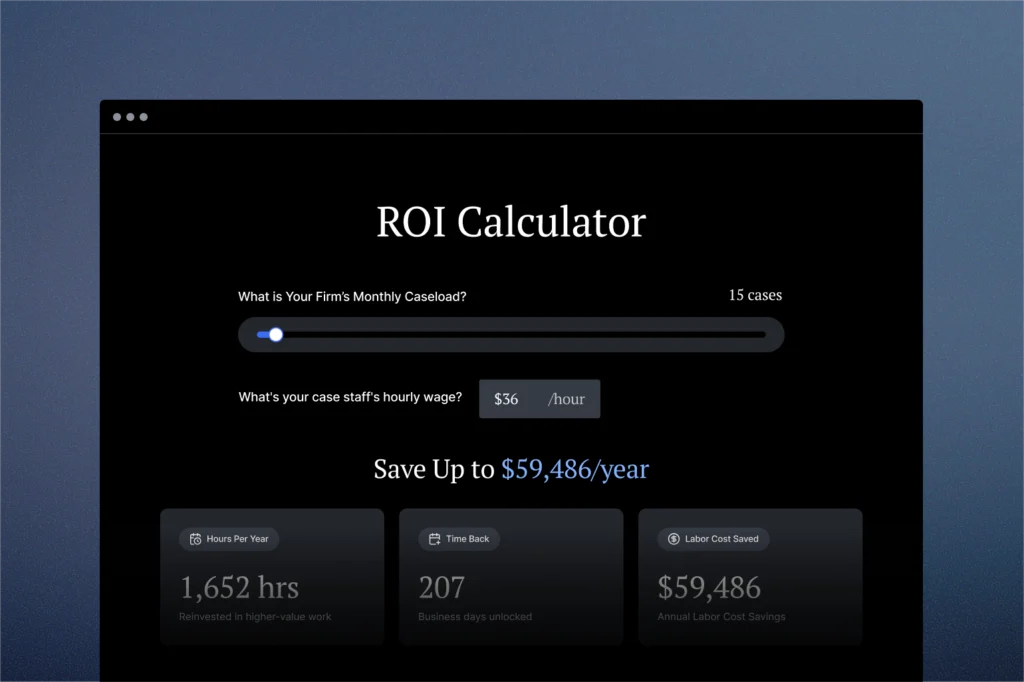
Enter your case load and turnaround times to see where capacity is going. Results are free, no form required to start.
Calculate Now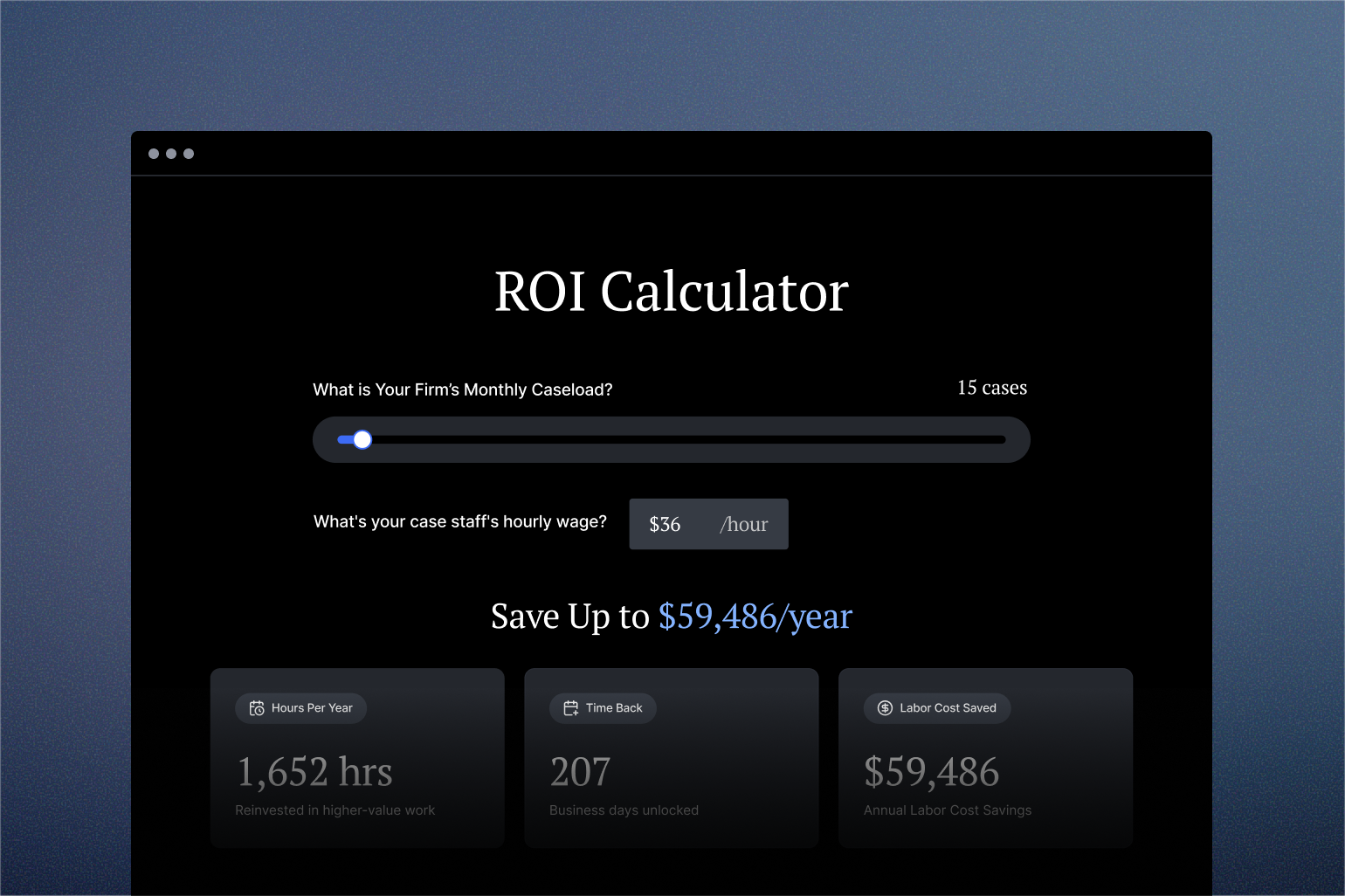
Most of a personal injury case is waiting: on a carrier, a provider, a record, or a client. Each stage of automation closed part of that gap, and agentic workflows close the most, because they run the follow-up the moment a step stalls and run it on every case.
Caseloads grow faster than firms can hire. A firm that maps its workflow, names the steps that need judgment, and lets agents run the rest grows without hiring against every new case.
EvenUp is trusted by more than 2,000 firms nationwide, including 30% of the top 100 PI firms, and powers more than 10,000 cases a week. Schedule a call to see how agentic workflows fit your firm.
It’s the use of technology to complete repetitive operational tasks, moving data and executing actions with little or no manual input. It ranges from simple rules-based triggers to AI agents that complete whole tasks, such as calling an insurer, retrieving a claim number, and logging it to the case file.
Rules-based automation follows fixed scripts and handles predictable, linear tasks, but it fails when a task varies. AI agents plan a sequence of actions, adapt in real time, and keep working the task through obstacles like voicemail and transfers until it’s complete. Persistence is the practical difference, since most routine legal calls fail on the first attempt.
Because automation acts on what the system can see. If your case file is a folder of documents, triggers can only fire on dates, stages, and uploads. If records, bills, and communications are structured as they arrive, the same trigger can fire on a forming treatment gap or a missing bill. The useful evaluation question is what the system can trigger on.
Start with high-volume, low-risk communications: opening claims, confirming liability and coverage, records and bills follow-up, treatment check-ins, and balance verification. They happen at scale, have clear success criteria, and require no legal judgment.
Negotiation and litigation. Both depend on legal judgment applied to a specific file, so automation adds little. The stages that benefit most are communication-heavy and judgment-light: intake, treatment, demand preparation, and settlement disbursement.
No. Automation handles repetitive, low-value tasks at scale, freeing case managers and paralegals to focus on judgment, escalation, client relationships, and strategy. Firms that automate well redeploy staff to higher-value work rather than cutting headcount.
No. Automation and PI-aware workflow management sit on top of your case management system rather than in place of it. The CMS remains your system of record; the automation layer decides what happens next and completes the routine work, logging everything back to the case file.